This week I got to help out with a video for a Japanese learning podcast episode by Momoko sensei. I like taking photos, especially to capture life in Japan, so I was very happy for this opportunity to show them to the world. Most of the photos in the video are mine, except the ones at the purikura section. Enjoy!
Even though Japan has amazing public transportation, sometimes having a car can make things so much better, like going for a day trip to the countryside or picking up someone at the station. This gets even more important as you leave Tokyo: for example Kyoto’s public transportation is mostly buses that can be significantly delayed due to traffic, and they are slower than cycling (due to stopping all the time). Moreover (especially on the weekend) they might only come once every 30 minutes, so you usually end up waiting at the bus stop for quite a while. Traditional car rentals are great for day trips, but get rather complicated and expensive for short trips.
The solution for this situation is car sharing: essentially a self-service car rental with support for very short rentals. I have been using Times Car Share, but other big players in the Japanese market are Orix and careco with very similar service and prices. At the end of the day it probably comes down to which one has a station close to where you live.
My Argo CD Privilege Escalations post describes some privilege escalation possibilities, if Argo CD projects are not configured securely. In this post I’ll show a complete walkthrough on abusing one of these possible misconfigurations.
Consider a multi-team GitOps setup with Argo CD: each team has their own repository that holds the team’s Kubernetes yaml files that Argo CD deploys to a shared cluster. Inside the cluster, teams are separated into their own namespaces, and Argo CD only deploys resources to the namespace that belongs to the given team.
Let’s see how this setup can be misconfigured to allow deploying to other team’s namespaces or to the cluster level!
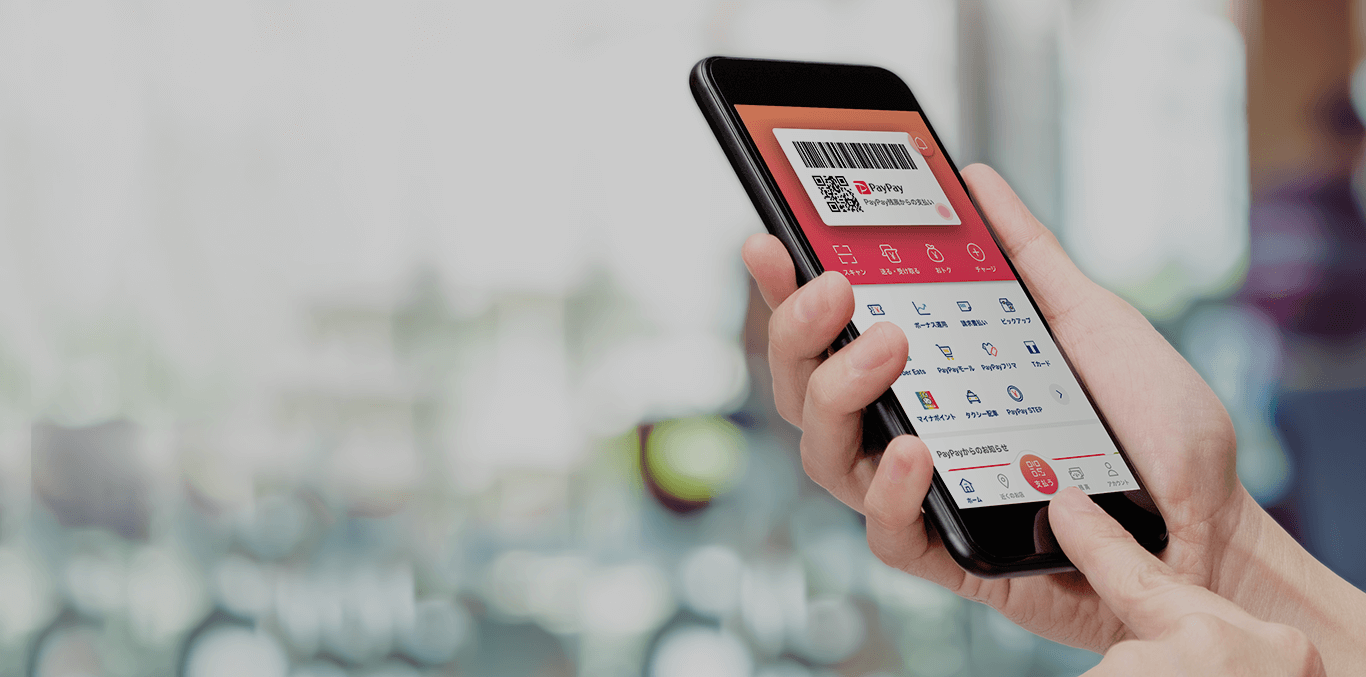
Japan is famous for it’s love for cash and the people are very reluctant to use anything else. The government even had a 2-5% cashback program on most cashless payments in 2019-2020 to change this. Even after this, credit cards are often not accepted, especially at smaller shops or restaurants. On the other hand Japan has a handful of barcode-based mobile payment solutions: PayPay, LinePay, auPay, RakutenPay, FamiPay, MerPay etc., out of which PayPay seems to be the most widely accepted (in my experience).